
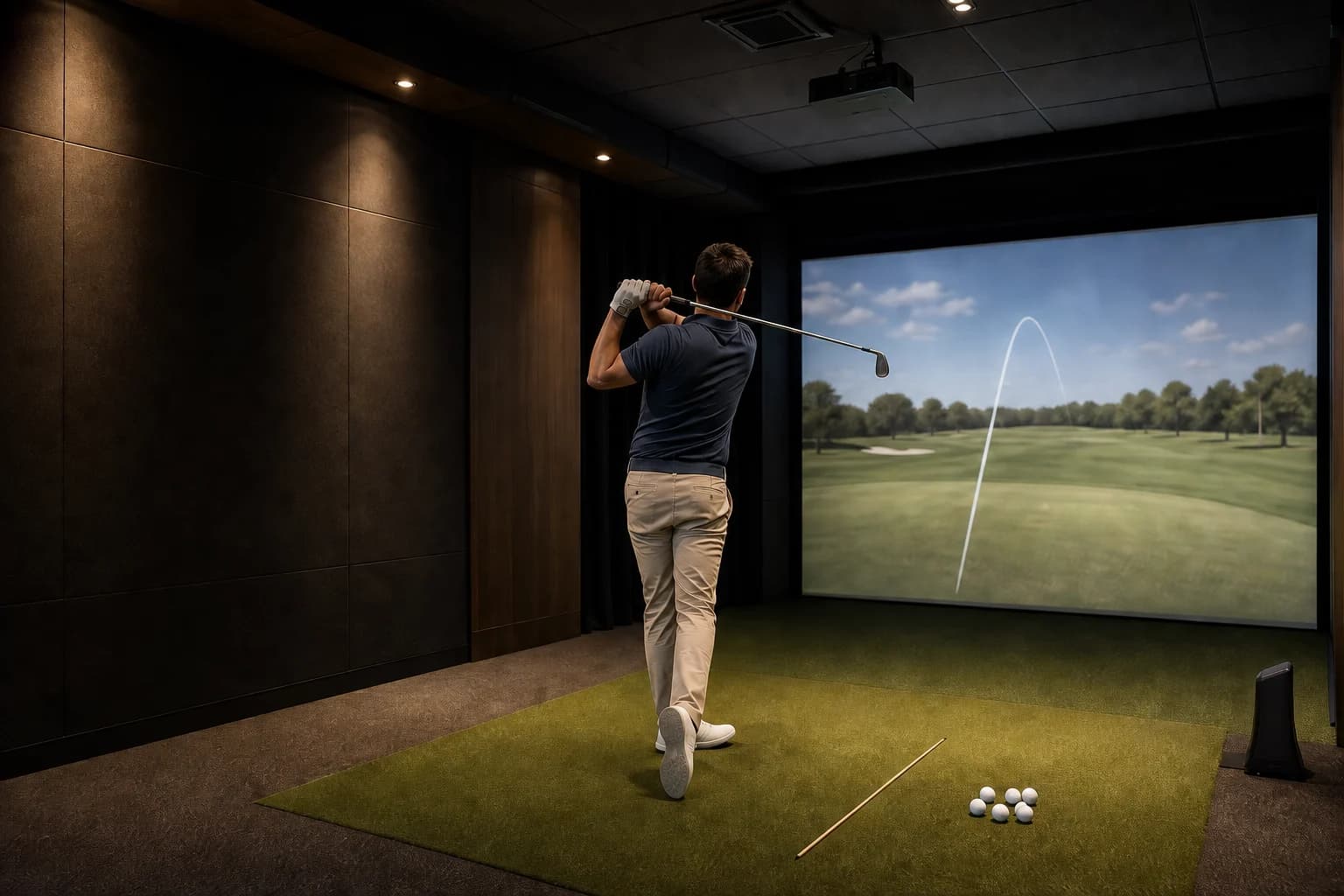
Golf simulator distance can look shorter than your outdoor yardage even when the launch monitor is working correctly. The usual causes are a carry-versus-total comparison, different environmental settings, a slower indoor swing, a changed strike from the mat, or a ball/setup issue.
Do not rewrite your club chart after three swings. Run one controlled test first. In most cases, the pattern tells you whether the difference comes from your swing, the simulator settings, or the bay itself.
Quick answer: why simulator distances read short
Start with these checks, in order:
- Compare carry with carry. Outdoor “yardage” often includes bounce and roll. Simulator carry ends when the ball first lands.
- Warm up before judging. A tight first five minutes indoors is not a useful baseline.
- Watch ball speed. If ball speed drops with the same club, the shorter carry is probably coming from strike or swing speed—not just software.
- Check the conditions. Altitude, temperature, humidity, wind, and normalization settings can change the displayed flight.
- Use the right ball and hitting position. Some systems have model-specific ball, marking, placement, lighting, or level-surface requirements.
- Ask for a bay check if every solid shot is off. A staff member can confirm the selected club, target line, ball position, and current software settings.
The useful question is not “Is the simulator wrong?” It is “Which input changed?”
First, compare the same distance number
Carry distance and total distance are not interchangeable.
- Carry distance is how far the ball travels before its first contact with the ground.
- Total distance adds the simulated bounce and roll after landing.
Outside, golfers often remember where a ball finished. Indoors, they may look at carry. That alone can create a gap even when the measured launch is sensible.
Total distance is also more dependent on software assumptions. Fairway firmness, slope, wind, temperature, elevation, and landing angle all affect what happens after the ball lands. A simulator has to model those conditions.
For club gapping, compare your indoor carry average with an outdoor carry baseline—not with the longest total distance you remember from a dry, downwind fairway.
If you need a repeatable baseline, use the carry-focused section in our 60-minute golf simulator practice plan.
Run this 10-shot test before changing anything
Use one mid-iron you know well. A 7-iron or 8-iron is easier to diagnose than driver because you remove tee-height changes and some of the temptation to swing at maximum speed.
1. Take five minutes to get comfortable
Make half-swings, then build to your normal motion. Check that the ceiling, side wall, screen, projector, and launch monitor do not make you feel crowded.
Garmin calls the subconscious change that can happen indoors indoor swing syndrome. Its support guidance notes that nearby walls, a low ceiling, a short visual target, and concern about ricochets can reduce speed or shorten the motion. That can produce genuinely shorter shots even when the device reads them correctly (Garmin Support).
2. Hit 10 normal shots with the same ball type
If the venue allows personal balls, use a clean, undamaged model you normally play. If the venue supplies balls, use the same type for the whole test.
Do not delete every imperfect strike. Remove only obvious misreads or shots where you slipped, hit an obstruction, or made a clearly abnormal swing. Your goal is a realistic pattern, not a highlight reel.
3. Record four numbers
Write down:
- Ball speed
- Club speed, if available
- Carry distance
- Launch direction or left/right finish
Spin rate can help, but do not diagnose a system you do not understand from one unusual spin number. Some launch monitors measure certain inputs directly and calculate others. The model and indoor setup matter.
4. Use the pattern, not the best shot
The middle of the 10-shot group is more useful than the longest shot. You can use the median, or simply ignore the highest and lowest values and average the remaining eight.
Then compare the result with a genuine outdoor carry baseline from a fitting, a trusted launch-monitor session, or repeated on-course observations.
What the pattern usually means
| What you see | Most likely place to investigate | What to do next |
|---|---|---|
| Club speed and ball speed are both lower | Indoor comfort, warm-up, or swing change | Create more clearance, warm up, and repeat without forcing speed |
| Club speed is similar but ball speed is lower | Strike quality or mat interaction | Check contact pattern and whether the mat changes your low point |
| Ball speed looks normal but carry is short | Launch, spin, ball flight conditions, or tracking setup | Check settings, ball requirements, placement, and monitor alignment |
| Carry looks normal but total is short | Rollout or course-condition model | Use carry for gapping; treat total as course-specific |
| One or two shots are wildly short | Misread or abnormal strike | Remove only clear outliers and continue the sample |
| Every club is short by a similar percentage | Global setting or indoor swing change | Ask staff to verify units, elevation, conditions, and bay setup |
| Only irons are short | Contact with the mat or strike change | Compare ball speed and contact before blaming the monitor |
This table is a diagnostic shortcut, not a remote calibration certificate. If the bay produces repeated implausible numbers after the basic checks, ask the venue to inspect it.
Seven reasons golf simulator distance can be shorter than outside
1. You are comparing carry with total distance
This is the simplest explanation and the first one to eliminate.
A drive that carries 225 yards and finishes at 245 yards has not produced two conflicting answers. The extra 20 yards came after landing. On a simulator, that rollout depends on the virtual surface and software settings. On a real course, it depends on the actual ground and weather.
For approach shots and forced carries, carry is usually the decision number. For a tee shot on a firm virtual fairway, total distance may still be useful—but it is less portable from one course or system to another.
2. The simulator uses different ball-flight conditions
Some systems can normalize or adjust flight for environmental conditions.
Trackman describes its Normalization feature as calculating standardized carry, side, and total values from launch data under calm conditions using the altitude and temperature entered in the software. It also explains that normalized and actual flight are different views of the shot (Trackman).
That does not mean every venue uses normalization, or that every system handles conditions the same way. It means you should ask what the screen is showing:
- Actual or normalized flight?
- What altitude and temperature are selected?
- Is wind enabled?
- Are distance units set to yards or meters?
- Are you in a range mode or a virtual-course mode with different ground conditions?
If you play at elevation but the simulator is set near sea level, or if you remember warm-weather outdoor distances while practicing in standardized calm conditions, the numbers may differ without either one being fraudulent.
3. You swing differently indoors
Indoor swing syndrome is not a sensor error. It is a golfer response to the room.
You may shorten the backswing under a ceiling, steer the club away from a wall, slow down near the screen, or stand differently because the hitting spot feels offset. Sometimes the change is obvious. Often it is not.
The clue is the speed pattern. If club speed and ball speed are both down, give yourself room and time before changing settings. Do not try to “beat” the device by swinging harder. A tense maximum-effort swing usually makes the diagnosis worse.
For venue sessions, look for a bay where you can make a full motion without thinking about the side walls. You can search GolfSimMap venues and compare hardware, bay details, coaching, and practice fit before booking.
4. The ball does not suit the system or test
Ball choice matters in system-specific ways.
Garmin’s current R50 guidance recommends regulation balls rather than plastic, foam, or limited-flight balls and gives model-specific advice about ball markings, lighting, and device height (Garmin Support). FlightScope says its indoor radar products require a compatible reflective solution—an aluminum sticker or supported RCT ball—for accurate spin measurement in limited ball flight (FlightScope FAQ).
Those are examples, not universal instructions. Do not add stickers, rotate markings, or replace venue balls without permission. Ask which ball setup the installed launch monitor expects.
Also inspect the ball itself. A cracked, heavily scuffed, dirty, or worn ball is a poor control for any distance test and can damage an impact screen.
5. The monitor or hitting area is not set up correctly
Launch monitors have model-specific placement rules. Depending on the technology, accuracy can be affected by device height, distance behind or beside the ball, available ball flight, alignment, lighting, reflective surfaces, or objects in the tracking area.
For example, Garmin’s R50 manual says the device and hitting mat should be at the same level and recommends checking target alignment. FlightScope publishes required sensor-to-ball and ball-flight distances for its indoor radar models and warns about some forms of electronic or lighting interference.
At a commercial venue, you should not recalibrate equipment yourself. Ask staff to confirm:
- The ball is inside the correct hitting zone.
- The selected player handedness and club are correct where required.
- The target line matches the bay.
- The monitor has not been bumped or moved.
- The current game or range settings are intentional.
If you are comparing technologies, browse GolfSimMap’s launch monitor guide, radar-based venue category, and camera-based venue category before choosing a practice bay.
6. The mat changes your strike
A mat is not grass. It may let the club slide through a slightly heavy strike, punish a steep strike, alter your footing, or change where you feel comfortable placing the ball.
The launch monitor only sees the shot you produced. If your contact pattern changes indoors, the distance can change too.
Use ball speed as a first clue. If club speed remains close to normal but ball speed falls, strike quality deserves attention. A small piece of face-impact tape or foot spray can help in a private practice setup, but ask venue staff before putting anything on a club or using marking products in a shared bay.
GolfSimMap’s guide to simulator putting accuracy uses the same principle: separate the golfer, the surface, the tracking system, and the software before deciding which input to trust.
7. Your outdoor number is not a true average carry
Golf memories are selective. A flushed 7-iron with a helping breeze is easy to remember; the ordinary strikes that finished short are not.
That is why the controlled 10-shot sample matters. Compare typical strikes under known conditions. If the simulator repeatedly shows a tighter, shorter window than the number in your head, the machine may be giving you a more honest baseline.
Honest carry numbers are useful. They help you choose a club that clears the front bunker instead of one that reaches only when everything goes perfectly.
What to ask the venue before booking a distance session
If your main goal is club gapping or distance work, send the venue a short question before paying for a long block:
“Which launch monitor is in the bay, can I use my own clean golf balls, and can staff help confirm the range conditions and setup before I start?”
Also check:
- Whether the venue has a staffed practice period or coaching option
- Whether the bay gives enough space for your full driver swing
- Whether you can export or photograph session data
- Whether the same hardware is installed in every bay
- Whether off-peak time is available for an unhurried test
Serious practice is easier when the venue is built for it. Start with venues for serious golfers, then narrow by location. GolfSimMap has state directories for California, Texas, and New York, plus nationwide search.
When to trust the number—and when to ask for help
Trust the simulator as a practice baseline when:
- Repeated solid strikes cluster in a sensible window.
- Ball speed, launch, and direction respond predictably to contact.
- The setup follows the installed system’s requirements.
- You are comparing carry with carry under stated conditions.
Ask staff to check the bay when:
- Normal-looking shots repeatedly produce implausible results.
- The hitting position or launch monitor was recently moved.
- The system misses many shots or produces extreme outliers.
- Two adjacent bays with the same setup disagree sharply on a controlled test.
One odd shot proves very little. A repeatable pattern is evidence.
If your club speed and ball speed are lower indoors, work on comfort and strike first. If those inputs look normal but carry remains short across a clean sample, investigate conditions, ball requirements, and setup. That order saves time—and keeps you from rebuilding your swing around a settings problem.
Ready to test a better bay? Find an indoor golf simulator near you, choose a quieter practice slot, and take the 10-shot checklist with you.
FAQ
Why do I hit the ball shorter on a golf simulator?
The most common reasons are comparing carry with outdoor total distance, swinging more cautiously indoors, different altitude or temperature settings, changed contact from the mat, or a ball and launch-monitor setup issue. Compare a controlled 10-shot carry sample before drawing a conclusion.
What is indoor swing syndrome?
Indoor swing syndrome is a subconscious swing change caused by walls, ceilings, a nearby screen, equipment, or concern about ricochets. It can reduce club speed, change contact, and shorten distance even when the launch monitor is reading correctly.
Is golf simulator carry distance accurate?
It can be accurate enough for useful practice when the launch monitor is installed correctly, the right ball setup is used, and you compare repeated shots under known conditions. Accuracy and setup requirements vary by model, so a repeatable sample is more useful than one shot.
Should I use carry or total distance on a golf simulator?
Use carry distance for club gapping, approach shots, and clearing hazards. Total distance includes simulated bounce and roll, so it depends more on virtual ground conditions and software settings.
How can I check whether a simulator is reading short?
Warm up, hit 10 shots with one familiar mid-iron and the same ball type, then compare club speed, ball speed, and average carry with a trusted outdoor carry baseline. If speed and strike look normal but every carry remains short, ask staff to verify conditions, ball placement, alignment, and monitor setup.
Sources
Related Articles
Do Golf Simulators Have Clubs? Rental Guide
Many indoor golf venues offer club rentals, but availability, fees, handedness, and set makeup vary. Use this checklist before you book.
ReadCan You Play a Golf Simulator Alone? Solo Guide
Can you play a golf simulator alone? Compare solo rates, self-service access, booking time, and a focused 60-minute practice plan.
ReadJoin a Golf Simulator League Without a Team: Solo Guide
Join a golf simulator league without a team: compare free-agent placement, solo leagues, schedules, fees, and beginner support before you register.
Read