
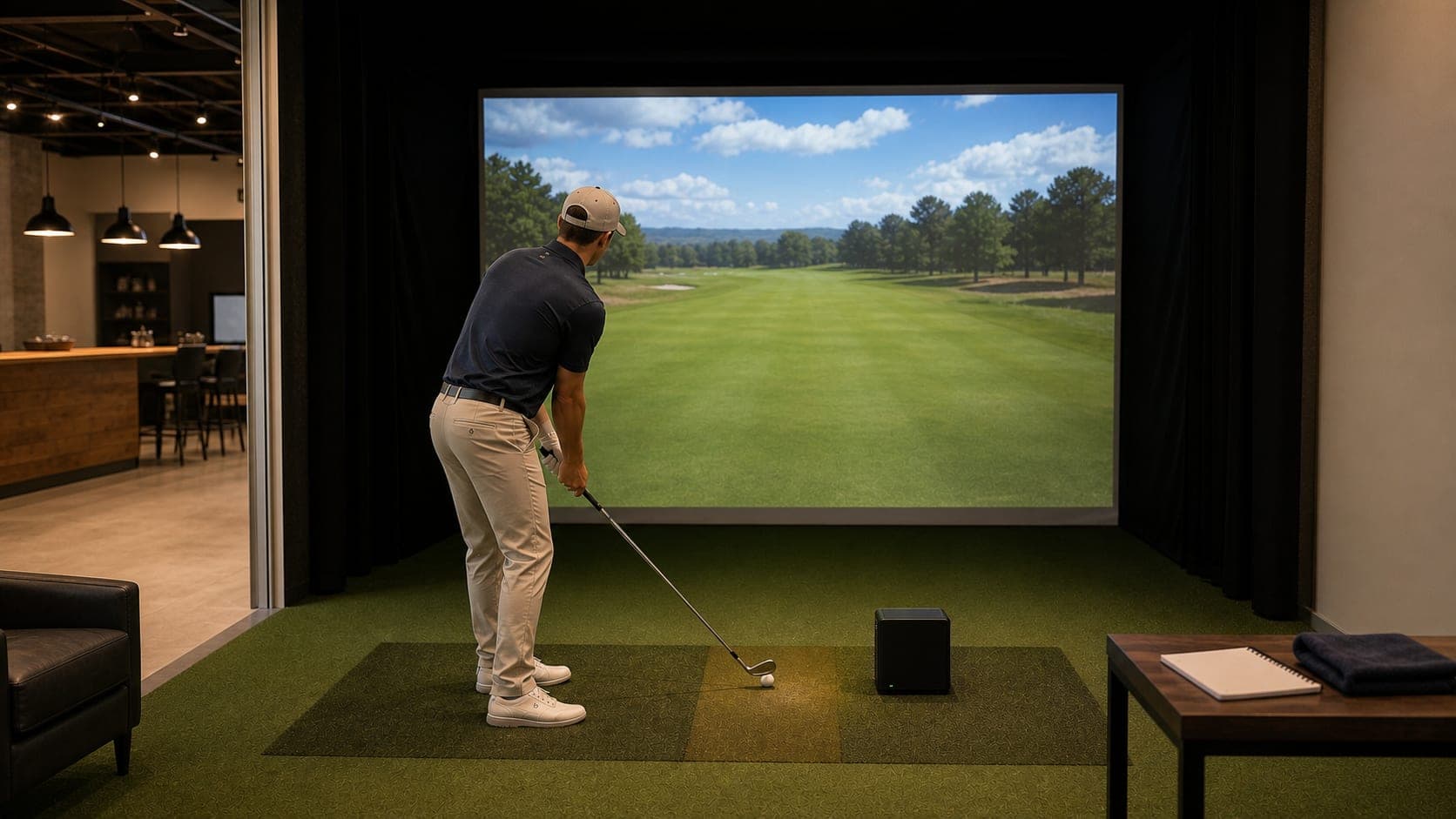
One hour in a simulator bay can be plenty of practice time. It can also disappear fast if you warm up for 20 minutes, chase driver distance, then realize you never worked on the shots that actually cost you strokes.
Here is the simple rule: treat a 60-minute simulator booking like a lesson plan, not a bucket of balls. You want enough repetition to learn something, enough variety to make it transfer, and a short pressure finish so the session feels like golf.
Use this plan the next time you book indoor golf through GolfSimMap search, especially if you are practicing solo before a weekend round.
Quick Answer: The 60-Minute Split
| Time | Focus | What to Do |
|---|---|---|
| 0-8 min | Warm up and calibrate | Wedges and short irons, easy tempo, confirm reads look normal |
| 8-25 min | Carry-distance baseline | One club or one wedge range, record useful averages |
| 25-43 min | Scoring zone | Random targets from 40-150 yards, no repeat-perfect shots |
| 43-55 min | Tee-shot window | Pick a playable club and define your miss boundary |
| 55-60 min | Pressure finish | Three-hole stretch, target challenge, or one-ball test |
If you only remember one thing, remember this: do not switch clubs every two swings. Pick a goal, get clean data, then test it under pressure.
Before You Book: Pick the Right Kind of Venue
A practice session works best when the venue matches the goal.
For a structured solo session, look for:
- Practice/range mode, not only course-play reservations.
- Enough space to swing comfortably with your driver.
- Launch monitor data that includes carry distance and launch direction.
- Bay pricing that makes solo practice reasonable.
- Off-peak availability so you are not rushed.
- Coaching availability if you want help interpreting the numbers.
Start with indoor golf venues near you, then compare by city if you already know where you want to practice. For example, you can browse golf simulators in California, Texas indoor golf venues, or Florida simulator venues before choosing a bay.
If you care about the hardware, check the launch monitor pages before booking. GolfSimMap has guides for TrackMan venues, Foresight venues, and launch monitor types.
Minute 0-8: Warm Up Without Wasting the Session
The warm-up has two jobs:
- Get your body moving.
- Confirm the simulator is reading shots normally.
Start with half wedges, then short irons. Do not judge the session from the first five balls. Indoor mats, screens, lighting, and ball position can make the first few swings feel different from the outdoor range.
A clean warm-up looks like this:
- 3 half wedges.
- 3 smooth pitching wedges.
- 3 easy 8-irons.
- 2 normal-speed 7-irons.
Watch for obvious read issues. If a normal strike shows a wildly strange carry number or direction, check ball placement, tee height, reflective stickers if required by the system, and whether the selected club or mode is correct.
Minute 8-25: Build One Useful Carry Baseline
Most golfers want to map the whole bag in one hour. That sounds efficient, but it usually produces noisy data.
Instead, choose one of these baselines:
| If Your Goal Is... | Baseline to Build |
|---|---|
| Better approach play | 7-iron and 9-iron carry averages |
| Better wedges | 50, 70, and 90-yard wedge swings |
| Better tee shots | Driver carry, start line, and left/right miss pattern |
| New golfer consistency | One mid-iron carry and contact pattern |
| Pre-round prep | The clubs you expect to hit most on the course |
Hit 8-12 shots with the main club or distance. Ignore obvious mishits, but do not delete every uncomfortable result. The goal is not to create a fake perfect average. The goal is to understand your real playing window.
Track four numbers:
- Average carry: the number you can actually plan around.
- Shortest useful carry: what happens on a slightly weak strike.
- Longest useful carry: what happens when you catch it well.
- Dispersion: how wide the miss pattern is.
Launch monitor systems define these terms in different ways, but the core practice values are consistent. TrackMan, for example, defines common parameters such as launch direction, spin rate, carry, and side movement in its practice data documentation. Use the numbers your venue provides, but keep your notes simple.
Minute 25-43: Practice the Scoring Zone
This is where a simulator can save you strokes if you use it correctly.
Most amateur practice is too comfortable: same club, same target, same swing, no consequence. Golf is not like that. On the course, you get one ball and a new decision every time.
Use this 18-minute block for random targets from 40-150 yards.
Option A: Wedge Ladder
Good for golfers who leave too many approaches short or long.
- Hit 3 balls to 50 yards.
- Hit 3 balls to 70 yards.
- Hit 3 balls to 90 yards.
- Hit 6 balls alternating random numbers between 40 and 100.
Write down which number was hardest to control. That becomes next session's focus.
Option B: Approach Randomizer
Good for golfers who can hit balls on the range but struggle on the course.
Pick six targets between 90 and 150 yards. Hit one ball to each target. Change club when the yardage demands it. Use your full pre-shot routine.
Score it simply:
- 2 points: green or safe target zone.
- 1 point: playable miss.
- 0 points: short-sided, penalty, or big miss.
Repeat once if time allows.
Option C: Start-Line Window
Good for slicers, pullers, and anyone fighting a two-way miss.
Pick a target line. Give yourself a left boundary and a right boundary. Hit 10 balls with one club and count how many start inside the window.
Do not try to fix the entire swing during the drill. Measure the pattern first. If every ball starts right, that is useful. If half start left and half start right, that is useful too.
Minute 43-55: Find Your Playable Tee Shot
Driver practice gets out of hand quickly indoors. The screen is close, the ball flight looks dramatic, and big distance numbers are tempting.
For this block, your job is not to hit the longest drive of the week. Your job is to find the tee shot you would trust on a tight par 4.
Choose one tee club:
- Driver if you need driver work.
- 3-wood or hybrid if driver is not playable right now.
- Long iron if you are preparing for a course where position matters.
Set a fairway-width window on the simulator screen. Hit 8 balls. Count only playable shots.
| Result | What It Means |
|---|---|
| 6-8 playable | This club can be a default tee option. |
| 4-5 playable | Use it when the hole gives you room. |
| 0-3 playable | Do not build your round around it yet. |
This is where simulator practice connects directly to course management. A shorter club that stays in play is often worth more than a driver you only trust half the time.
Minute 55-60: Finish With Pressure
Do not end by raking one more ball into the perfect shot. End with a test.
Choose one pressure finish:
- Play three holes with no mulligans.
- Hit three approach shots to three different targets.
- Hit one tee shot that must finish inside your window.
- Run a closest-to-pin challenge and record the score.
The pressure finish is short by design. It tells you what survived the practice session.
If the number falls apart under pressure, that is not a failure. It is the most honest feedback from the hour.
What to Write Down After the Session
A simulator gives you more data than you need. Your notes should fit on one phone screen.
Venue:
Launch monitor:
Session goal:
Best useful carry:
Average carry:
Biggest miss:
Best pressure-finish score:
Next session focus:
The next-session focus matters most. If you leave with a clear assignment, the hour worked.
Common Mistakes in a One-Hour Simulator Booking
Mistake 1: Playing 18 Holes When You Needed Practice
Virtual rounds are fun, and they can help with decision-making. But if you only have one hour and want to improve a specific skill, start in practice mode.
Mistake 2: Chasing the Longest Carry Number
Your best shot is not your yardage. Plan from the average you can repeat.
Mistake 3: Skipping Wedges
Indoor golfers often spend too much time on driver because it is satisfying on a big screen. Wedges and short approaches are where a focused hour can produce cleaner scoring decisions.
Mistake 4: Treating Simulator Scores Like Handicap Scores
Simulator rounds are useful practice, but they are not the same as acceptable handicap rounds. USGA handicap guidance requires scores to meet World Handicap System acceptability rules, including being played under the Rules of Golf on a course with valid Course Rating and Slope Rating information.
Mistake 5: Ignoring Venue Fit
Some indoor golf venues are built for groups, food, and casual rounds. Others are built for coaching and practice. Neither is wrong. The mistake is booking the social venue when you need a quiet practice bay, or booking a training studio when your group wants a casual night out.
Use GolfSimMap to compare the local options before you book.
A Simple Four-Week Progression
Repeat this plan once or twice per week for a month.
| Week | Main Focus | What to Compare |
|---|---|---|
| 1 | Baseline | Carry averages and biggest miss |
| 2 | Wedges | Distance control from 40-100 yards |
| 3 | Approaches | Dispersion from 100-150 yards |
| 4 | Pressure | Playable tee shots and no-mulligan holes |
At the end of four weeks, look for patterns:
- Are your misses mostly short?
- Is one club producing a two-way miss?
- Are wedge distances bunching together?
- Does driver create too many penalty-level misses?
- Do your pressure-finish scores match your range numbers?
That is the point of simulator practice. Not perfect swings. Better decisions.
How to Use GolfSimMap for This Practice Plan
Before your next session:
- Search for indoor golf simulator venues near you.
- Check whether the venue looks practice-friendly or social-first.
- Compare hardware if the venue lists launch monitor details.
- Book an off-peak hour if you want quiet reps.
- Bring your own clubs and the ball model you normally play when possible.
If you are browsing by market, start with state pages like New York indoor golf, Illinois golf simulators, Ohio indoor golf venues, or Arizona simulator venues.
For hardware context, use the launch monitor guide before you decide whether a radar, camera-based, or hybrid system matters for your session.
FAQ
Is one hour enough for useful golf simulator practice?
Yes. One focused hour is enough if you limit the session to warm-up, one measured skill block, one scoring block, and a short pressure finish. The mistake is trying to work through every club and every swing thought in the same booking.
Should I play a virtual round or use range mode during a 60-minute simulator session?
Use range or practice mode first if your goal is improvement. Finish with a few holes or a target challenge so the session includes decisions and pressure. If your goal is social golf, a virtual round is fine, but it is less efficient for skill work.
What simulator data should beginners track first?
Start with carry distance, launch direction, ball speed, and dispersion. Those numbers help you understand how far each club actually goes and where your misses tend to finish without getting buried in advanced metrics.
Can simulator scores count for a golf handicap?
No. For USGA handicap purposes, scores need to meet World Handicap System acceptability rules, including being played on a course with a valid Course Rating and Slope Rating under the Rules of Golf. Treat simulator scores as practice data, not handicap scores.
How often should I repeat this practice plan?
Repeat it once or twice per week for four weeks, then compare your carry-distance gaps, dispersion, and pressure-finish results. If the same miss keeps showing up, book a lesson or choose a venue with coaching support.
Sources
Related Articles
What to Bring to a Golf Simulator: First-Time Indoor Golf Checklist
Heading to an indoor golf simulator for the first time? Bring the right clubs, clean balls, shoes, and booking details so your bay time goes smoothly.
ReadWhat Is a Golf Simulator? Beginner Guide to How It Works, Cost, and What to Expect
A golf simulator is an indoor setup that tracks your shot and turns it into realistic ball flight on a screen. This beginner guide explains how simulators work, what they cost, and how to choose the right setup for your goals.
Read