
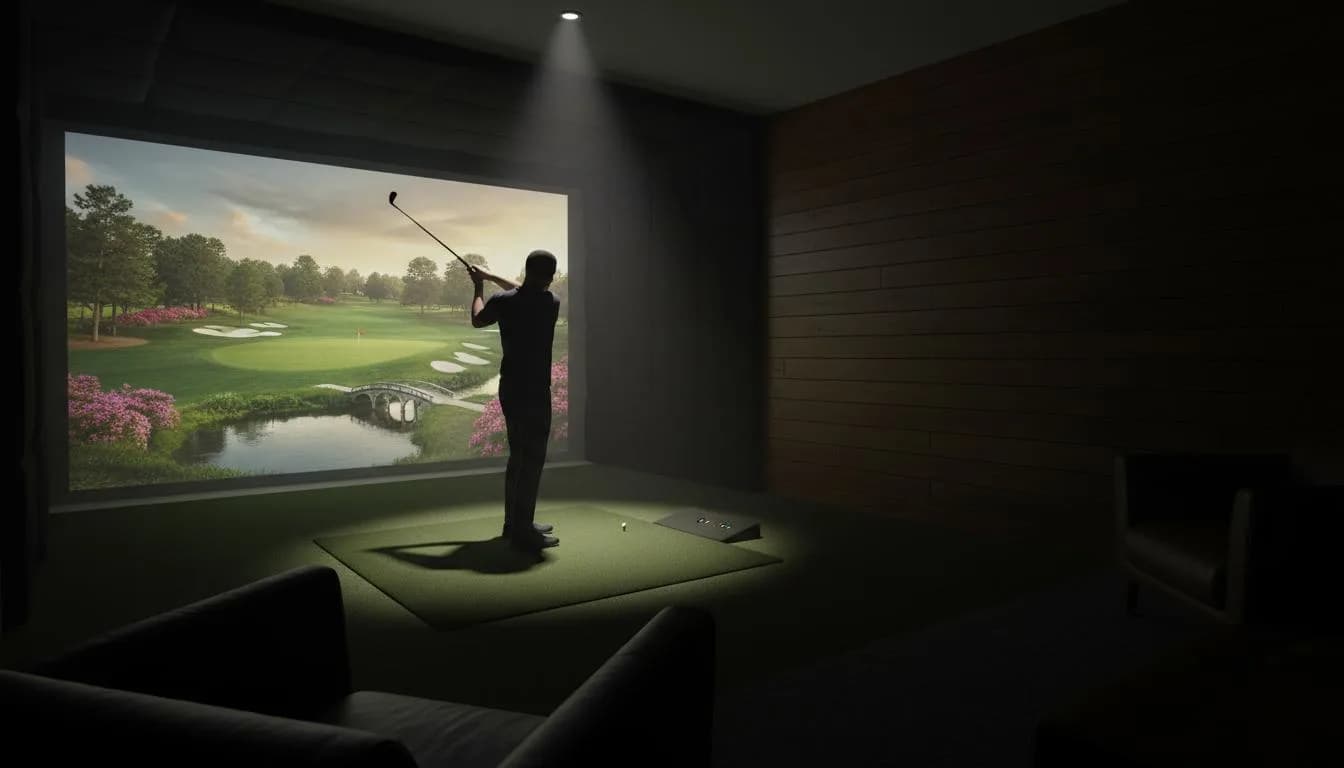
If you are booking your first indoor golf simulator session, the hardest part is not the swing. It is knowing what actually belongs in your bag.
The short answer: bring your clubs if you have them, clean golf balls if the venue allows them, a glove, comfortable shoes, and your booking details. Leave muddy shoes, scuffed balls, and assumptions at home.
Use this as a practical first-visit checklist before you head to a simulator bay.
Fast checklist
Bring these if you have them:
- Your normal golf clubs
- Clean golf balls, only if the venue allows outside balls
- A golf glove
- Spikeless golf shoes or athletic shoes
- Comfortable clothes you can swing in
- Phone with booking confirmation or access instructions
- Water bottle
- Small towel
- Alignment stick or notebook if you are practicing seriously
Check these before you leave:
- Does the venue provide clubs?
- Are outside balls allowed?
- Is the location staffed or self-serve?
- Do you need an app, door code, waiver, or membership account?
- How many players are allowed in the bay?
- Is food or alcohol allowed?
If you are still choosing a place, start with the GolfSimMap search page or browse indoor golf simulator venues by state.
Bring your own clubs if you can
Your own clubs are the best default. You already know the grip, shaft length, and feel, so the simulator data is more useful.
For a casual first visit, you do not need to carry every club in the bag. A simple setup works:
| Goal | Clubs to bring |
|---|---|
| First-time casual play | Driver, 7-iron, wedge, putter |
| Practice session | The clubs you are actively working on |
| Yardage gapping | Every iron and wedge you want to map |
| Group night | Full bag if space allows |
Some indoor golf venues offer house clubs, but quality and availability vary. If you do not own clubs yet, call ahead and ask whether they have right-handed and left-handed options.
Use clean golf balls only
Dirty, marked-up, or cracked golf balls can scuff screens and create bad reads. If a venue allows outside balls, bring clean balls with no permanent marker, mud, or deep cart-path cuts.
Some facilities require players to use venue-provided balls. That is not just fussiness. Simulator screens, hitting mats, and launch monitor areas are expensive to maintain, and house rules are usually designed to protect the equipment.
Good rule: bring clean balls, then ask before using them.
Wear shoes that protect the mat
Spikeless golf shoes or athletic shoes are the safest pick for most simulator bays. They give enough traction without tearing up mats or indoor flooring.
Avoid:
- Metal spikes
- Muddy outdoor golf shoes
- Wet soles
- Hard plastic spikes if the venue prohibits them
If you are coming from work or dinner, athletic shoes are usually fine. The main goal is a stable stance and a clean hitting area.
Dress for a real swing, not a dress code
Most indoor golf facilities are more relaxed than private courses. You usually do not need a collared shirt unless the venue says so.
Wear something that lets you turn freely:
- Stretchy pants or shorts
- A breathable shirt
- A light layer if the bay area runs cool
- Nothing bulky around your shoulders
The simulator does not care what you wear, but your backswing does.
Bring your glove and small practice extras
A golf glove is worth packing, especially if you are hitting more than a few warm-up shots. Indoor sessions can move fast, and sweaty hands make grip pressure worse.
For a practice-focused session, consider a few small extras:
- Alignment stick
- Small notebook or notes app
- Rangefinder app is not needed, but notes help
- Athletic tape or bandage if you blister easily
Keep it simple. The first session is about learning the bay, not building a tour-level practice station.
Save your booking details before you arrive
Indoor golf venues are not all run the same way. Some are staffed lounges. Some are 24/7 self-serve facilities. Some require a door code, app login, waiver, or membership setup before you can start.
Before you leave, confirm:
- Address and parking instructions
- Bay number if assigned
- Check-in process
- Door code or app access
- Cancellation policy
- Start and end time
- Whether time includes setup
Arrive 10 to 15 minutes early for your first visit. If the venue is self-serve, give yourself more buffer.
Know what kind of session you booked
A simulator bay can mean different things depending on the facility.
You might be booking:
- Open practice time
- Virtual course play
- A lesson
- A club fitting
- A league round
- A social bay with food and drinks
That changes what to bring. A lesson may need fewer clubs and more note-taking. A league round may require your normal gamer ball if allowed. A social bay may need less gear and more attention to group size.
If your goal is improvement, look for venues with serious practice setups, quality launch monitors, and enough room to swing comfortably. GolfSimMap has pages for launch monitor-focused venue discovery and technology categories when you want to compare options.
What not to bring
Do not bring anything that could damage the bay or slow down the group.
Skip these:
- Muddy shoes
- Marked or damaged balls
- Impact tape unless the venue allows it
- Too many training aids for a busy group session
- Food or drinks unless venue policy allows them
- Pets or extra spectators unless confirmed
Also avoid showing up with a brand-new swing project and no plan. Simulator time is paid time. Even a simple plan saves money.
First-time plan for a one-hour session
If this is your first simulator booking, do not spend the whole hour figuring out menus.
Try this structure:
| Time | What to do |
|---|---|
| 0-10 minutes | Check in, ask how the system works, warm up |
| 10-25 minutes | Hit wedges and mid-irons to learn carry distances |
| 25-40 minutes | Hit driver or the club you came to practice |
| 40-55 minutes | Play a few holes or a target game |
| Final 5 minutes | Save notes, collect gear, clear the bay |
Focus on three numbers at first: carry distance, direction, and strike pattern. Advanced data is useful, but it can overwhelm a first visit.
How to choose the right venue for your first session
A good first simulator venue is not always the fanciest one. It is the one that makes the session easy.
Look for:
- Clear booking instructions
- Staffed hours for beginners
- Club rental if you need it
- Enough bay space for your swing
- Launch monitor details if you care about data
- Good reviews about setup help
- Convenient parking and access
If you are comparing local options, search by city on GolfSimMap. You can also start from the United States venue index and drill into your state or city.
Quick answer: what should a beginner bring?
For a first indoor golf simulator session, bring your clubs, clean balls if allowed, a glove, spikeless golf shoes or athletic shoes, comfortable clothes, water, and your booking confirmation. If you do not own clubs, choose a venue that offers rentals or call ahead before booking.
The best first visit is simple: show up early, ask how the bay works, start with the driving range, and keep your expectations realistic. You will learn more from a relaxed hour than from trying to master every data point on the screen.
FAQ
Do you need to bring your own clubs to a golf simulator?
Usually yes, but some venues offer rental or house clubs. Check the venue page, booking notes, or call ahead before your first session.
Can you bring your own golf balls to an indoor simulator?
Many venues allow clean, unmarked golf balls, but some require their own balls to protect screens and launch monitor equipment. Confirm the rule before you go.
Should you wear golf shoes in a simulator bay?
Spikeless golf shoes or athletic shoes are usually the safest choice. Avoid metal spikes and muddy shoes because they can damage mats and indoor flooring.
How early should you arrive for your first golf simulator booking?
Arrive about 10 to 15 minutes early so you can check in, ask about controls, warm up, and still get your full paid bay time.
Related Articles
60-Minute Golf Simulator Practice Plan: What to Do With One Bay Hour
Booked one hour at an indoor golf simulator? Use this practical 60-minute practice plan to warm up, map carry numbers, train scoring shots, and finish with pressure instead of just hitting random balls.
ReadWhat Is a Golf Simulator? Beginner Guide to How It Works, Cost, and What to Expect
A golf simulator is an indoor setup that tracks your shot and turns it into realistic ball flight on a screen. This beginner guide explains how simulators work, what they cost, and how to choose the right setup for your goals.
Read