
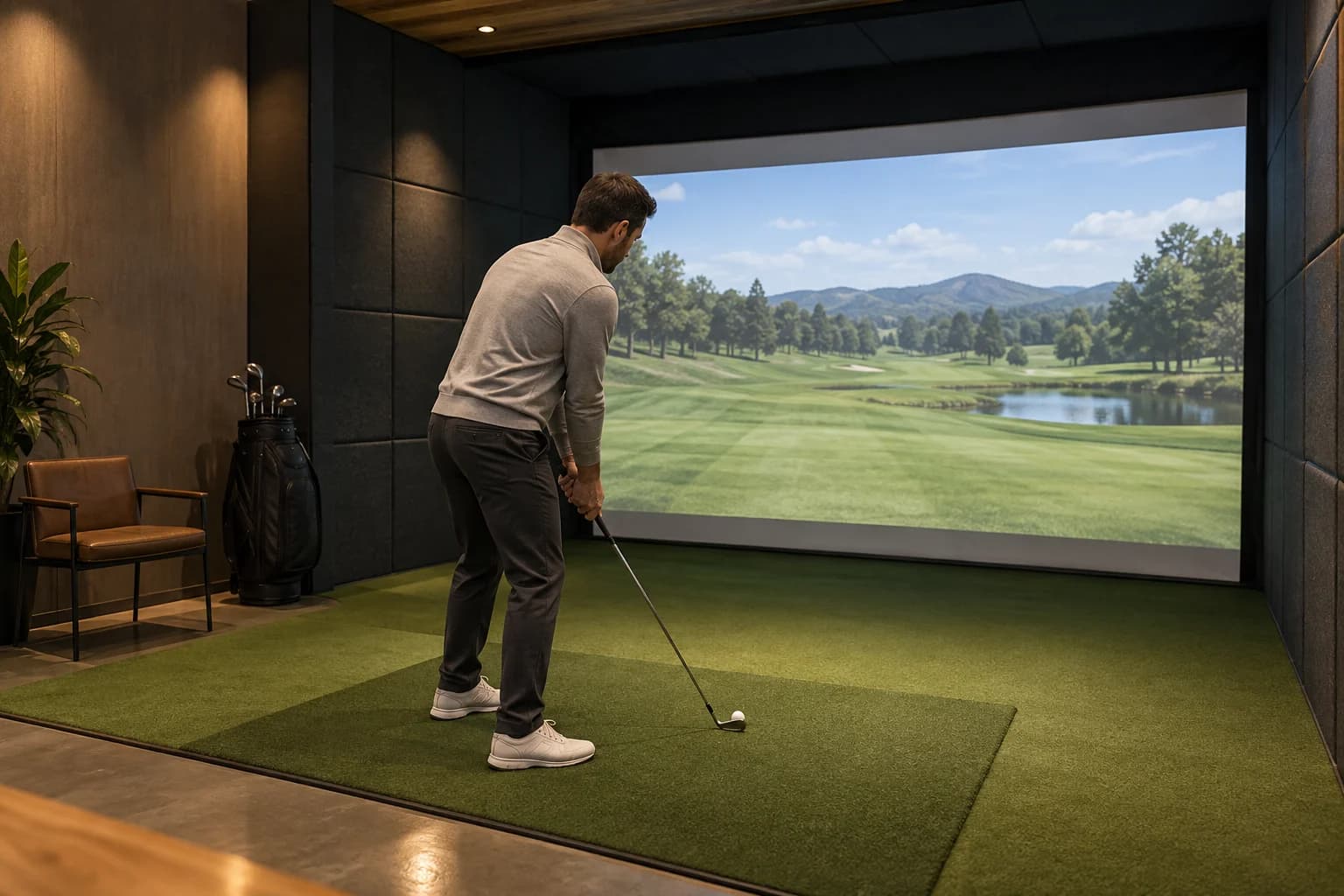
Yes, you can play a golf simulator alone. In fact, a solo bay is often the best setup for focused practice because you control the pace, choose every drill, and spend the full booking on your own shots.
The catch is pricing and access. Many venues charge by the bay rather than by the player, so one golfer may pay the same hourly rate as a small group. Unstaffed 24/7 studios can also require advance booking, a mobile door credential, and more confidence with the software.
Quick answer: is a solo simulator booking worth it?
A solo session is a good fit when you want to:
- map carry distances without waiting between shots;
- work through one swing or contact problem;
- play a fast virtual round;
- practice before work or during an off-peak window;
- learn the system without a group rushing you.
It is less attractive when the venue charges a high flat bay rate, you need hands-on coaching, or you mainly want a social round.
Before paying, confirm five things: the price is per bay or per person, the facility is staffed or self-service, clubs and balls are provided or required, the minimum booking length, and whether first-time help is available.
Why playing alone can be better than bringing a group
Group simulator golf is fun, but it is not always efficient practice. Four players share the same clock. A solo golfer gets every minute.
That changes what you can do. You can repeat the same wedge distance, compare two shot shapes, or stop after a bad strike and look at the numbers. Nobody is waiting for the next turn.
Solo play is also faster. There is no fixed national pace because putting settings, skill, course choice, and mulligans all matter. Still, one golfer can move through a virtual round much faster than a foursome simply because there is no rotation between players.
If improvement is the goal, the bigger benefit is control. You can use range mode instead of starting an 18-hole round, follow a 60-minute simulator practice plan, and leave with one useful answer rather than a score you will forget.
How much does it cost to play a golf simulator alone?
The honest answer: check the venue's booking page. Simulator pricing is not standardized.
Many operators sell time by the bay. Five Iron Golf says its simulator bays are booked by the hour, with prices changing by location, day, and time. That model is simple, but a solo player cannot split the rate with friends.
Some venues publish solo or off-peak deals. Par 19 in Beaumont, Texas currently lists one flat hourly price for a bay and a separate single-player rate during part of the week. That is one venue's policy, not a national benchmark, but it shows why searching beyond the headline weekend rate can pay off.
When comparing options, look for:
- Single-player pricing: a specific solo rate is the clearest win.
- Off-peak rates: weekday mornings and late hours are often better for a quiet session.
- Short bookings: a 30-minute minimum can be enough for one narrow drill.
- Practice memberships: useful only if the included hours match when you can actually play.
- Extra fees: rental clubs, guest fees, taxes, and late-cancellation charges can change the real total.
Do the math on your likely routine. A membership is not a bargain if its useful hours expire or fall outside your schedule.
Staffed venue or self-service studio?
This is the biggest decision for a first solo visit.
Choose a staffed venue if you want help
A front desk or bay attendant can show you where to place the ball, select a game mode, adjust the handedness, and restart a frozen session. That support is worth prioritizing if you have never used a simulator.
Walk-ins may be possible, but a reservation is safer. Five Iron's booking FAQ says it accepts walk-ins when an unreserved bay is available while recommending advance booking because availability is not guaranteed.
Choose self-service if you value privacy and odd hours
Unstaffed studios can be excellent for solo practice. They are often private, quiet, and available early or late. But the booking process is part of the product.
Condor Club's current FAQ, for example, says its facility is fully self-service, requires an online reservation, and sends a mobile access credential for the booked time. It also provides instructions and remote support. Other automated studios may use a door code, app, or email link instead.
Before booking a self-service bay, check:
- When your access link becomes active.
- Whether the simulator starts automatically.
- Where the quick-start instructions are.
- How to reach support during the session.
- What you must do before leaving.
Do not assume you can arrive early or stay late. Access windows may be tied closely to the reservation.
How long should one person book?
For a first solo session, 60 minutes is the safest starting point. It is long enough to settle in, warm up, complete one useful practice block, and learn the controls without buying more time than you need.
Launch Labs in Garland, Texas also recommends 60 minutes as a starting point for solo practice. Treat that as a venue example rather than a universal rule.
Use your goal to adjust:
| Solo goal | Sensible first booking | What fits |
|---|---|---|
| Learn the controls | 30-60 minutes | Setup, warm-up, simple range session |
| Focused practice | 60 minutes | One baseline test plus one drill |
| Club gapping | 60-90 minutes | Several clubs with enough shots to discard mishits |
| Quick virtual round | 60-90 minutes | Depends heavily on putting and pace settings |
| Lesson or fitting | Use the venue's session length | Instructor-led, not ordinary bay rental |
Do not book two or three hours for your first solo visit just because a group would need that long. Hitting continuously is tiring, and rushed swings near the end produce poor information.
A practical 60-minute solo session
The best solo booking has one question attached to it. “How far does my 7-iron carry on solid strikes?” is useful. “Fix my whole golf game” is not.
Try this simple split:
Minutes 0-10: get comfortable
Check the hitting area, make slow practice swings, find the controls, and hit short clubs first. If the room changes your swing, do not force driver immediately.
Minutes 10-25: build a baseline
Choose one club and hit a small set of normal shots. Ignore the single longest ball. Look for the repeatable middle of the group.
If the numbers seem unexpectedly short, compare carry with carry and review the checks in our guide to simulator distance reading shorter than outside.
Minutes 25-45: train one skill
Pick one task: a wedge ladder, start-line window, driver dispersion pattern, or random approach practice. Keep the target stable long enough to learn something.
Minutes 45-55: add pressure
Give yourself a small scoring test. Ten balls to a target works. So does one virtual hole with no mulligan.
Minutes 55-60: save and reset
Photograph or export the few numbers you will use later, collect your equipment, and leave the bay ready for the next booking. A clean finish matters even more in an automated studio.
What to ask before a solo booking
Use this script by phone, email, or the booking form:
“I am booking alone for practice. Is the rate per bay, is someone available to help me start, and do I need to bring clubs, balls, or an account for the simulator?”
Then confirm the details that apply to you:
- Equipment: Some venues provide clubs and balls; others require your own. Use our first-time simulator checklist before you leave home.
- Handedness: Left-handed clearance and rental sets are not guaranteed at every bay.
- Data: Ask whether you can save a session to your own account or export a report.
- Privacy: “Private bay” can mean a separate room, a divider, or simply a bay reserved for your party.
- Cancellation: Solo practice is easy to move in your calendar, but the venue may still charge for a late change.
- Shoes and balls: Clean equipment protects the mat and impact screen. Follow the venue's exact rules.
If the answers are hard to find, compare another venue. Good booking information is part of a good solo experience.
Is it awkward to use a golf simulator alone?
No. Solo practice is a normal use of a simulator bay, especially at training-focused and self-service facilities. The screen gives you a target, the launch monitor gives you feedback, and nobody needs to fill the other seats.
The venue atmosphere still matters. A busy sports bar at 8 p.m. feels different from a private studio at 7 a.m. If you want a quiet session, filter for practice-oriented venues, look at photos of the bay layout, and choose a lower-traffic time.
GolfSimMap's serious-golfer venue category is a useful starting point, but verify the current booking rules on the venue's own site before paying.
When a solo session is not the best choice
Book a lesson instead when you need someone to diagnose your swing. A launch monitor can show what happened; it does not automatically tell you which change is safe or useful for your game.
Bring another player when your main goal is a match, social time, or splitting a flat bay rate. And if you are completely new to golf, a staffed beginner-friendly facility may be a better first step than an unstaffed room with unfamiliar controls.
Solo simulator time works best when the goal is narrow and the setup is easy to operate.
Find a solo-friendly golf simulator near you
Start with GolfSimMap's venue search. Compare booking links, simulator hardware, photos, hours, and venue style. If you want more local options, browse indoor golf in Texas, Illinois, or California, then confirm solo pricing and access with the exact location.
The best solo bay is not necessarily the fanciest one. It is the venue you can book at a sensible time, enter without friction, and use for a focused hour.
Frequently Asked Questions
Can you play a golf simulator alone?
Yes. Most simulator venues allow a single golfer to reserve a bay for practice or virtual golf. Check whether pricing is per bay or per person and whether the facility is staffed or self-service.
Is one hour enough for a solo golf simulator session?
One hour is a strong starting point for one golfer. It gives you time to warm up and complete one focused practice block. A full virtual round may require more or less time depending on putting settings and pace.
Do solo golfers pay the full bay rate?
Often, yes. Many venues charge by the bay, so one golfer pays the same base hourly rate as a small group. Some locations publish single-player or off-peak rates, so check the live booking page.
Can a beginner use a golf simulator alone?
Yes, but a staffed venue is easier for a first visit. If you choose a self-service studio, read the access and startup instructions before your booking and make sure remote support is available.
Should I practice or play a round by myself?
Choose practice mode when you want useful swing or distance feedback. Choose a virtual round when you want entertainment or course-management practice. For a first solo hour, focused practice usually gives you more value.
Sources
Related Articles
Join a Golf Simulator League Without a Team: Solo Guide
Join a golf simulator league without a team: compare free-agent placement, solo leagues, schedules, fees, and beginner support before you register.
ReadGolf Simulator Distance Shorter Than Outside? 7 Checks
Golf simulator distance shorter than outside? Use this 10-shot test to separate carry, swing, settings, ball, mat, and bay-setup problems.
ReadHow Many People Can Play a Golf Simulator? Group Guide
Most golf simulator bays work best with one to four players. Learn when to book extra time, use team formats, or reserve a second bay for your group.
Read